Choose what to keep
Click “Save this form now,” or enable autosave on a site you trust. Autosave is off until you choose it.
 AttachBack
Keep supported form answers and small attachments ready in Chrome. Restore the empty fields after a reload, review them, and continue.
Pending Chrome Web Store review. The Chrome Web Store link will open after approval.
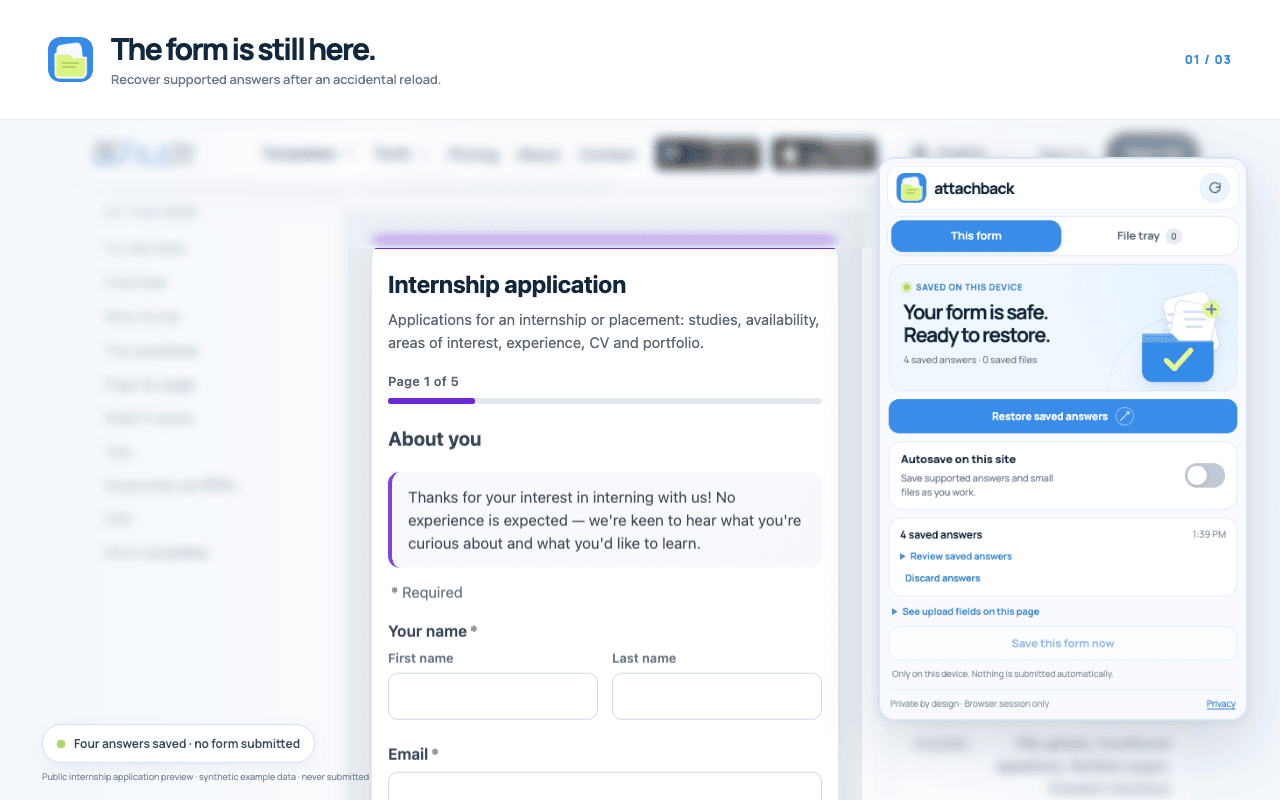
Actual extension on a public application form · Example answers, never submitted
One interruption. No retyping.
Click “Save this form now,” or enable autosave on a site you trust. Autosave is off until you choose it.
Your supported answers and small saved files remain in this browser session, even when the page reloads.
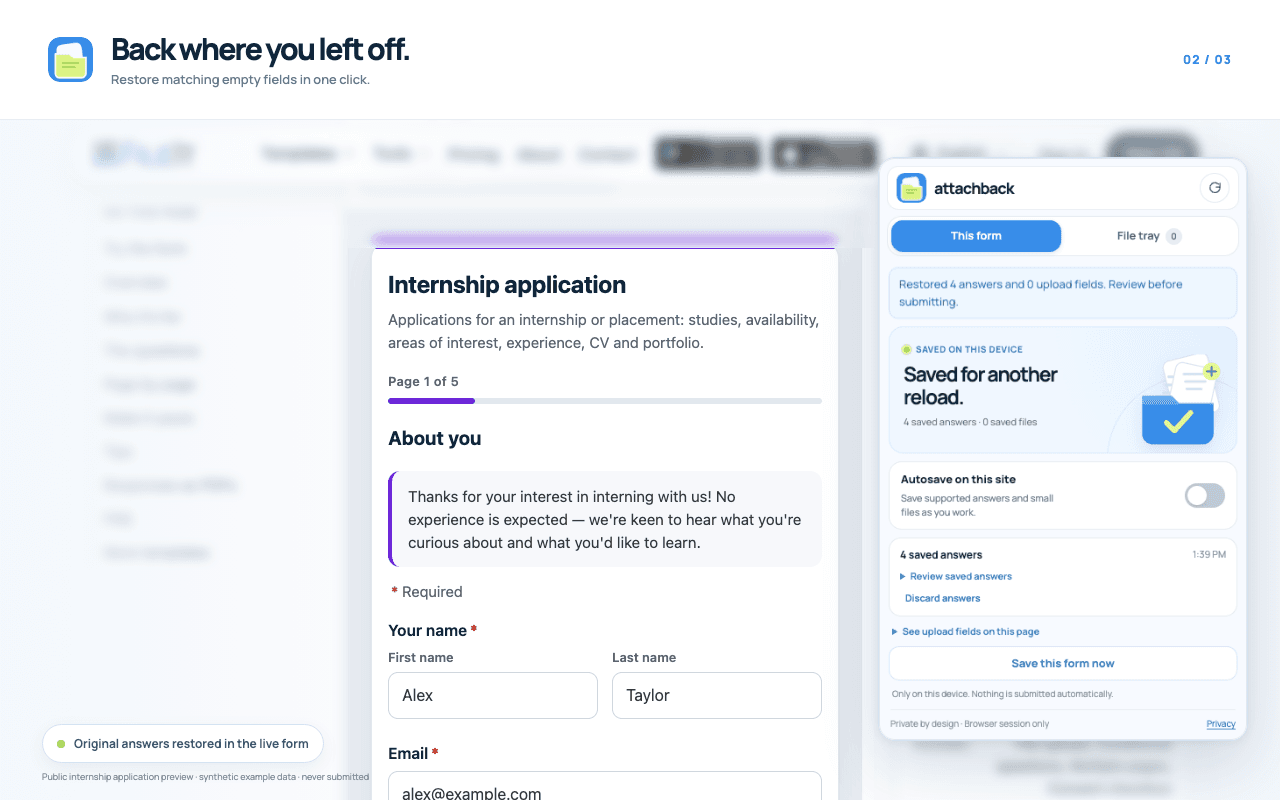
Open AttachBack to fill matching empty fields. Check the result before you send anything to the website.
Restore matching empty fields after a reload, then check them before submitting.
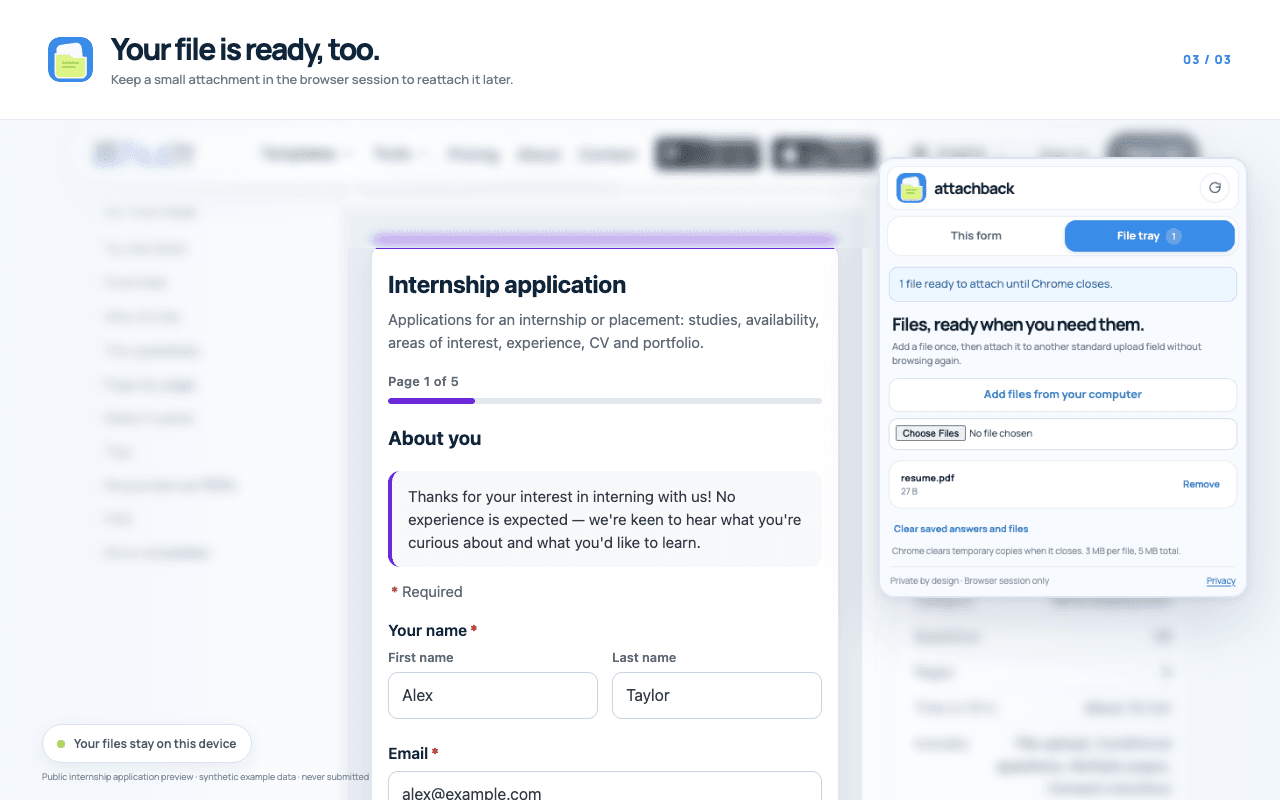
Hold a small attachment for this browser session and reattach it to a supported upload field.
Private by design
AttachBack uses Chrome session storage, not a Duskel account or upload server. Temporary answers and files clear when Chrome closes or when you clear them in the extension. Enabled-site preferences remain until you turn them off.
Some websites upload an attachment as soon as you place it in a form. Do not use autosave on a sensitive site, and review attachments before reattaching them.
Read the privacy policyNo. It restores supported answers into matching empty fields. You review and submit the form yourself.
No. Autosave starts off. You can save a form manually or enable autosave for an individual site.
Temporary copies stay in Chrome session storage on your device. They are not sent to a Duskel server and are cleared when Chrome closes or you clear them in AttachBack. A website may upload a file after you attach it to that website.
No. It supports standard fields and upload inputs, not every custom uploader, embedded frame, or protected browser page. Sensitive fields are excluded by conservative rules, but no rule catches every case.
Free to use. Built by Duskel and CodeWithUmar.